Mini Blocks
Play Now
About Mini Blocks
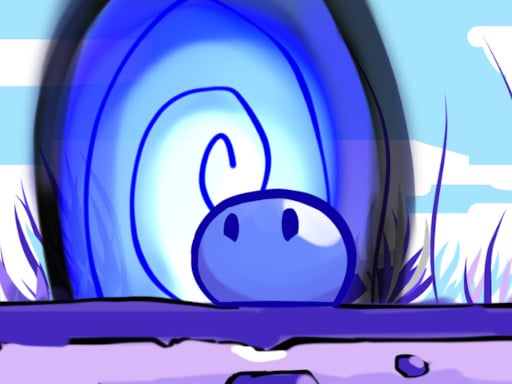
You control a small blob character with the power to turn on or off elements on the level. Use that power wisely to reach the goal to the next stage! You can also test your skills in the speedrun mode. Mini Blocks was made in a retro-style fashion, inspired in games from the 8-bit era.
How to Play
Desktop -C Up Arrow or Left Click to Jump -X Space or Right Click to Turn On Off Elements Mobile -Touch Right to Jump -Touch Left to Turn On Off Elements
Frequently Asked Questions
Is Mini Blocks free to play?
Yes — Mini Blocks is completely free to play on Grapeplay. No downloads, no signup, no payment required.
How do I play Mini Blocks?
Desktop -C Up Arrow or Left Click to Jump -X Space or Right Click to Turn On Off Elements Mobile -Touch Right to Jump -Touch Left to Turn On Off Elements
Can I play Mini Blocks on mobile?
Mini Blocks is designed for landscape screens — it works on mobile, but plays best on a desktop or tablet held sideways.
What kind of game is Mini Blocks?
Mini Blocks is a Arcade game. Discover more like it in our Arcade section.


